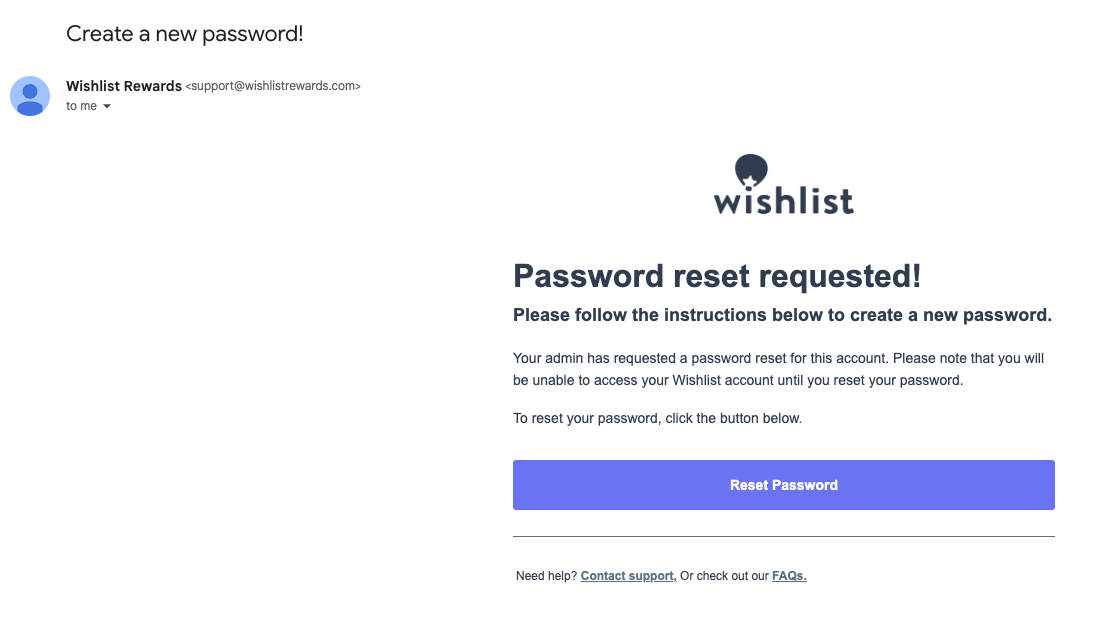
Security is a top priority at Wishlist, and we understand how important it is for our clients as well. Program Admins have the ability to enforce a password reset for all users in their organization in just a few simple steps.
Steps to Reset All Passwords
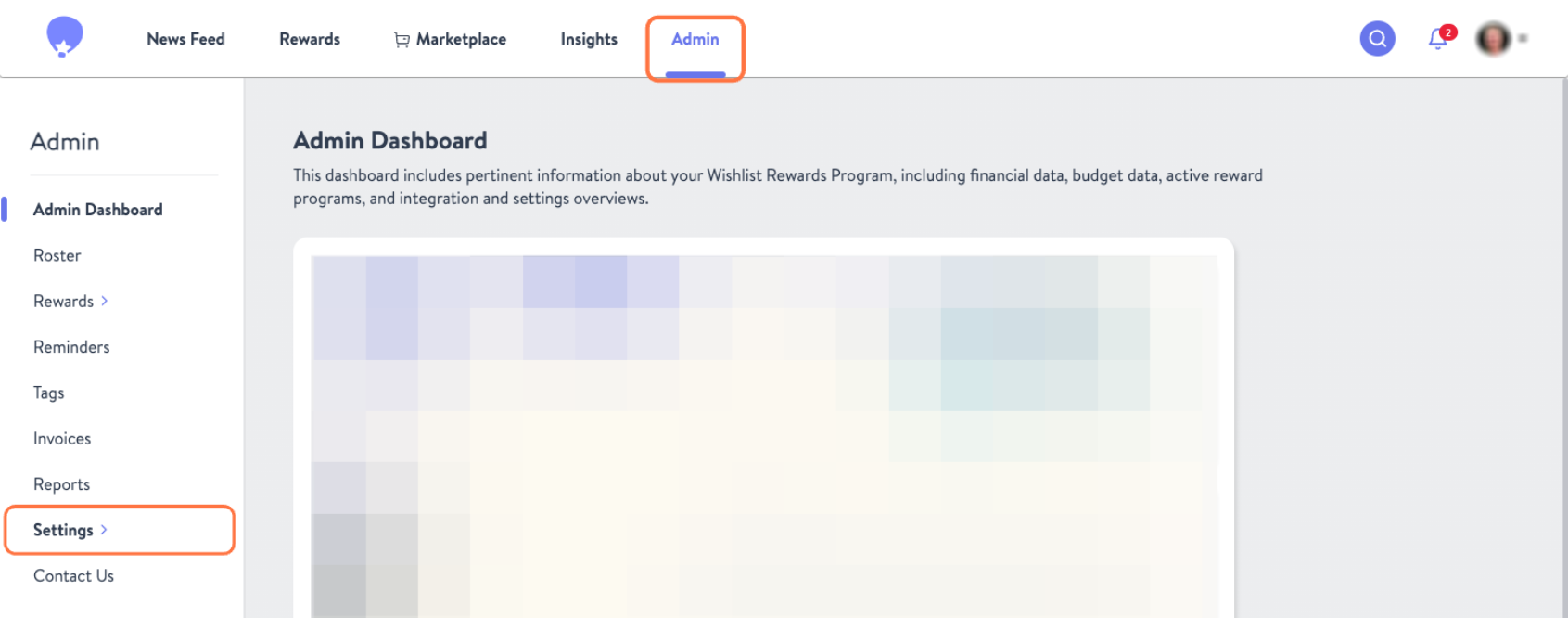
In the top navigation bar, click Admin, then select Settings from the right-hand sidebar.
Click Admin Dashboard.
Navigate to the Security section.
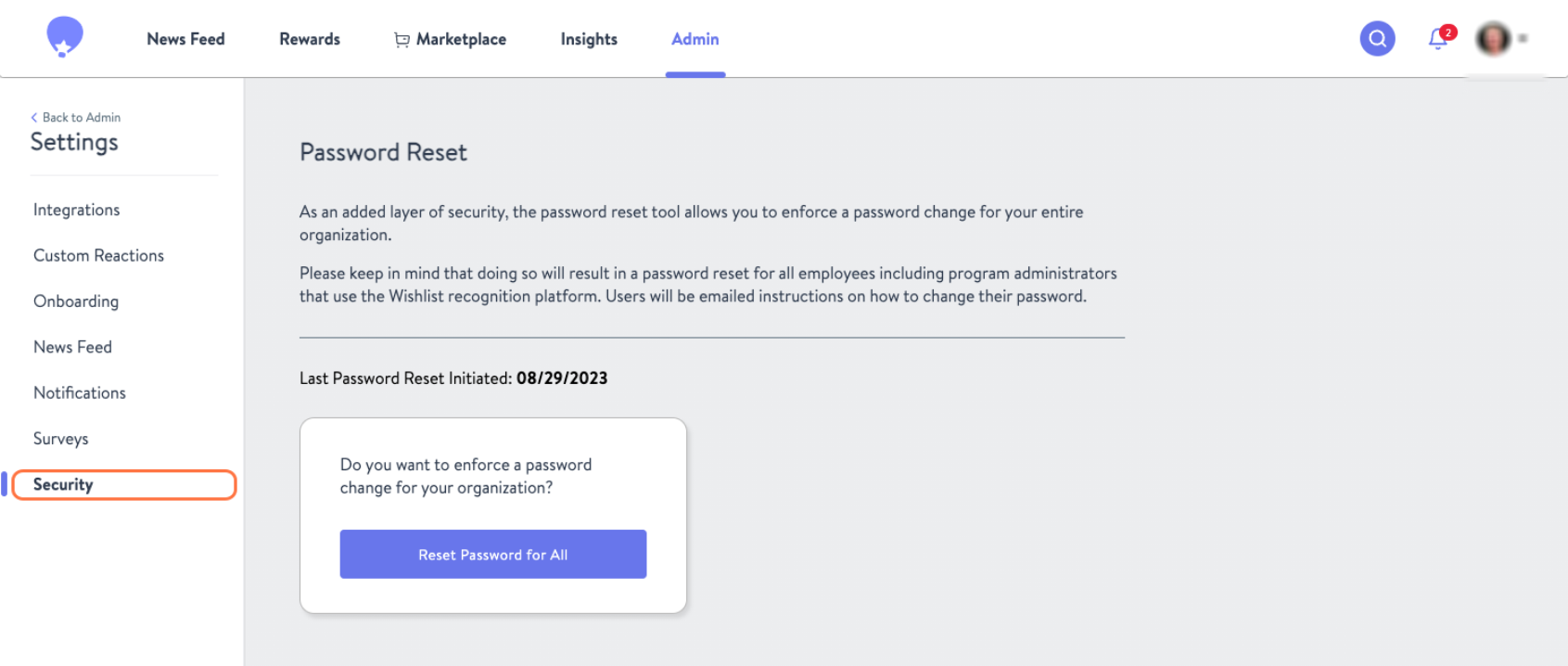
Select Do you want to enforce a password change for your organization?
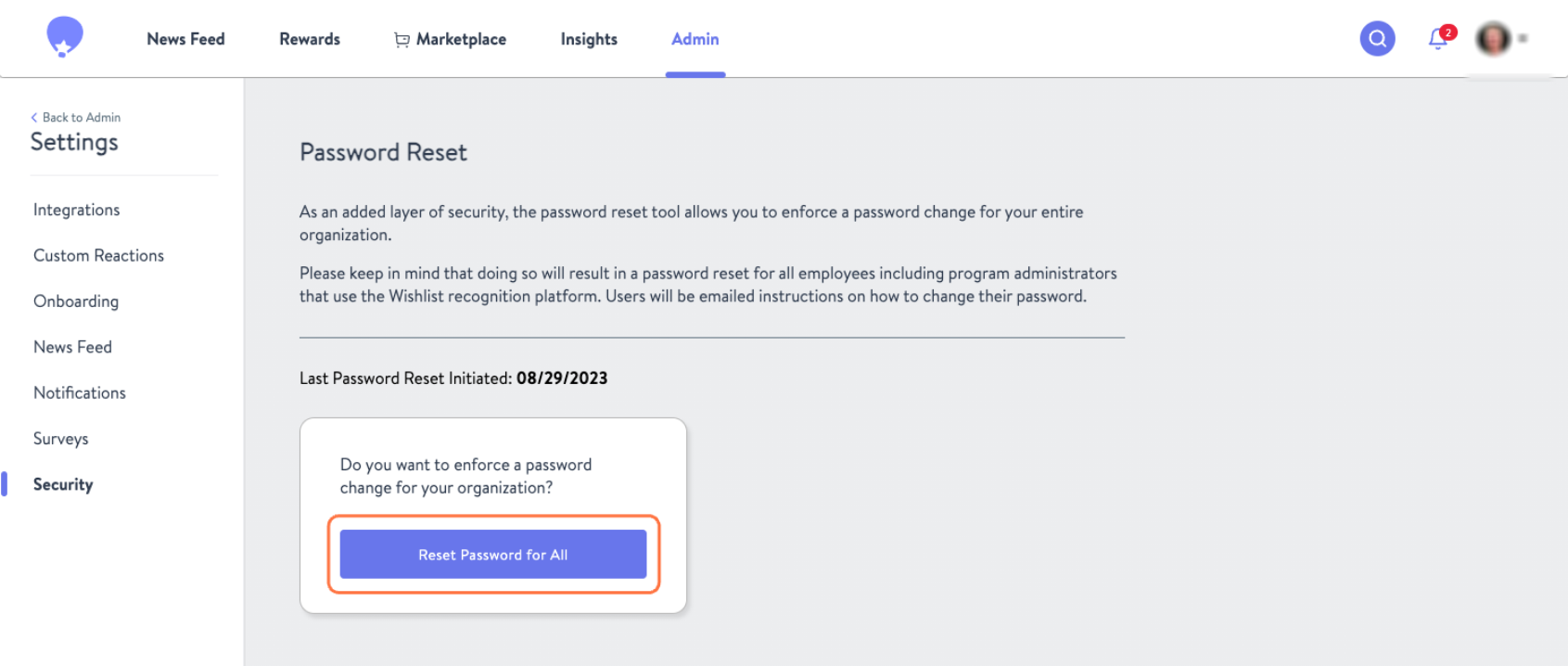
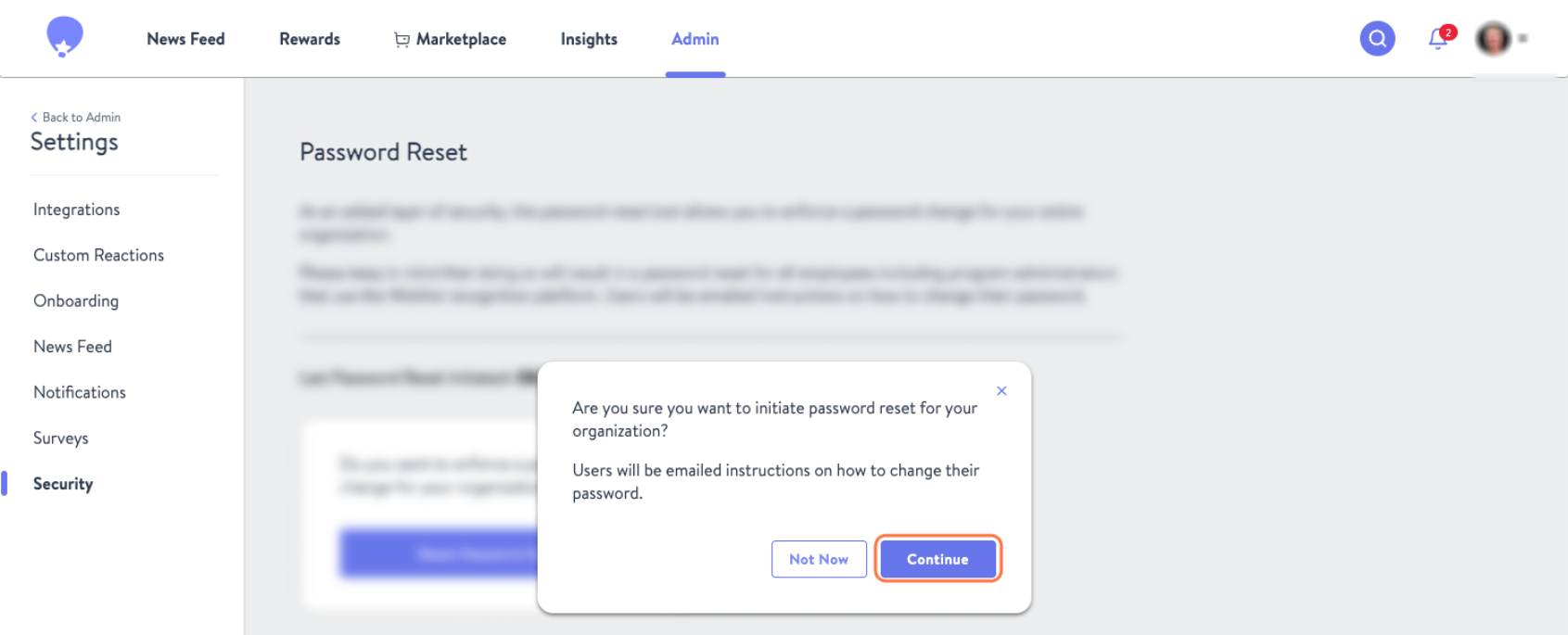
Click Reset Password for All, then click Continue.
Important: This action will immediately require all users—including the Program Admin initiating the reset—to update their passwords.
- Once the reset is initiated, click Close to exit the prompt.