If you are set to be an approver for tuition enrollments, here is a step by step guide on how to do so:
1. Login and access your Admin Portal
2. Click on Tuition
3. Click on the “Enrollments” tab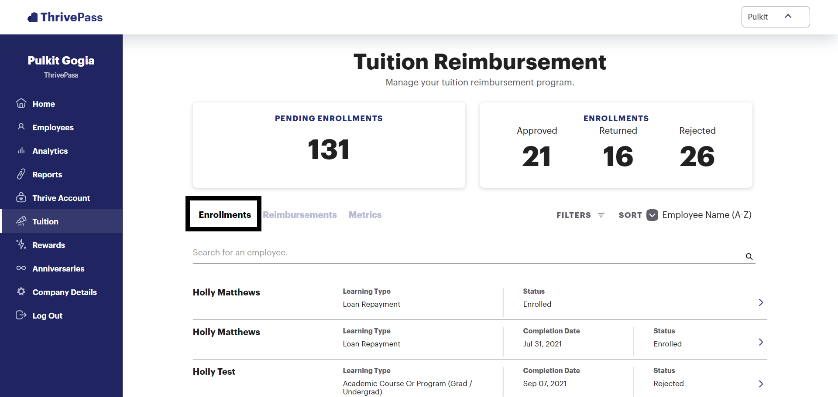
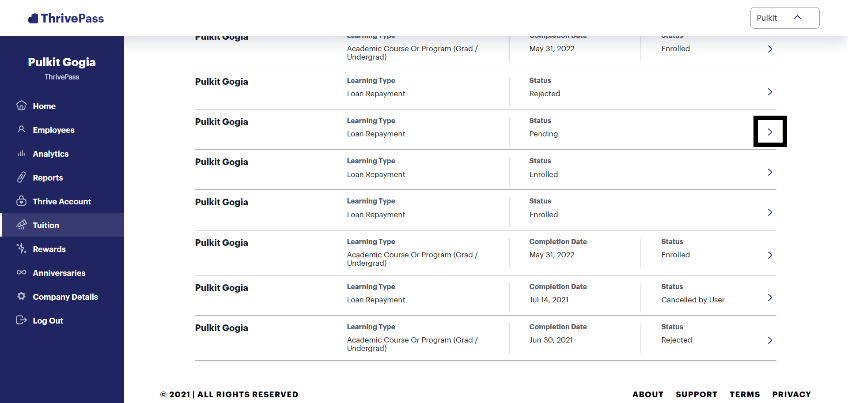
4. Search for the pending enrollment request for the employee you want to approve.
5. Click the arrow icon on the far right of the request row.
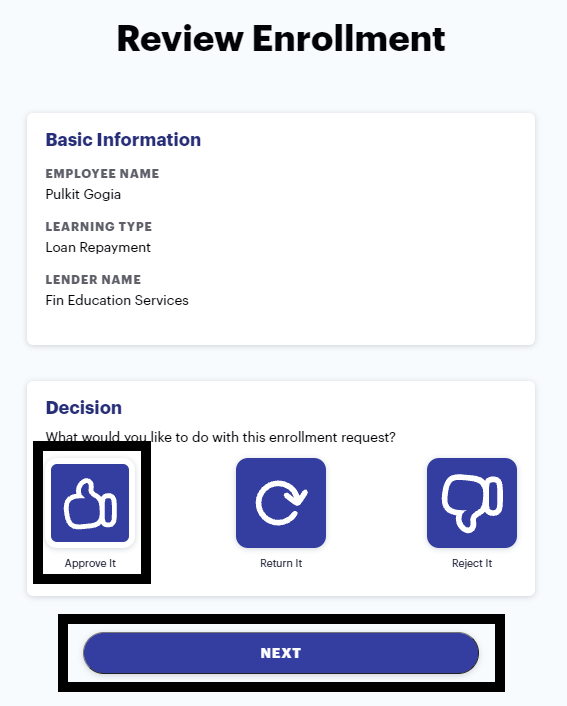
6. A new “Review Enrollment” page will open.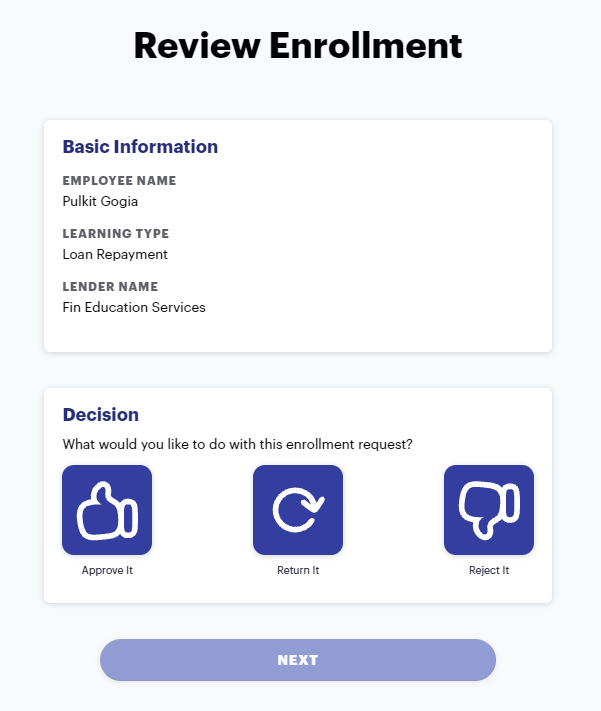 7. Click “Approve It” under the “Decision” section and then click “NEXT”.
8. A new page for “Signatures” will open.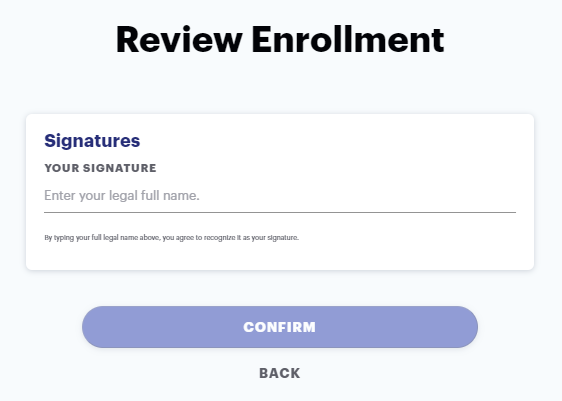
9. Enter your full name as your signature and click “CONFIRM”.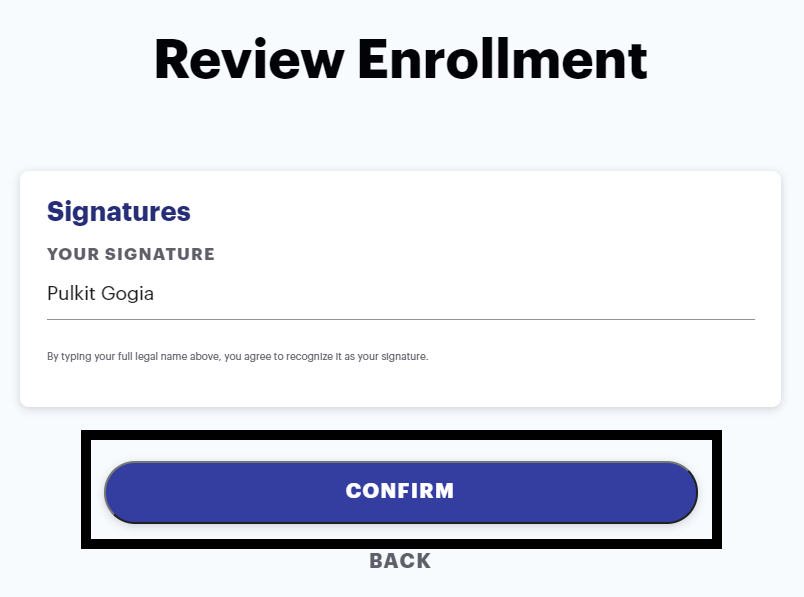
10. Finally, the enrollment request will be approved.
Was this article helpful?
That’s Great!
Thank you for your feedback
Sorry! We couldn't be helpful
Thank you for your feedback
Feedback sent
We appreciate your effort and will try to fix the article