Want to review the details of one of your reward programs? The Reward Programs page allows administrators to view and manage both Spot Rewards and Automated Reward Programs.
Note: If you do not have access to this feature and would like to manage reward programs directly, reach out to your Relationship Manager (RM) to learn about enabling the Self-Service Program feature for your account.
Access Reward Programs
- From the Admin Dashboard in the Admin tab, click Active Reward Programs.
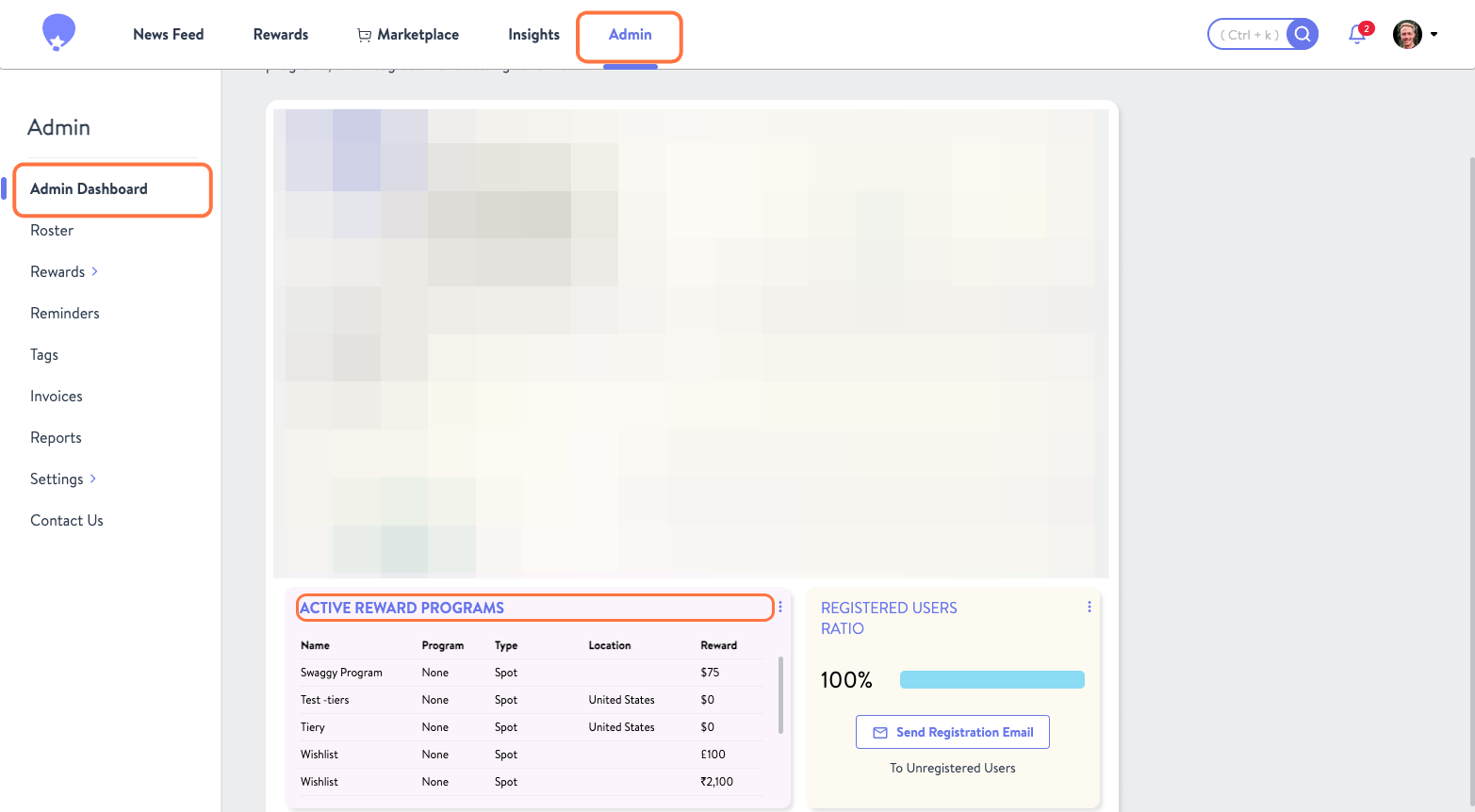
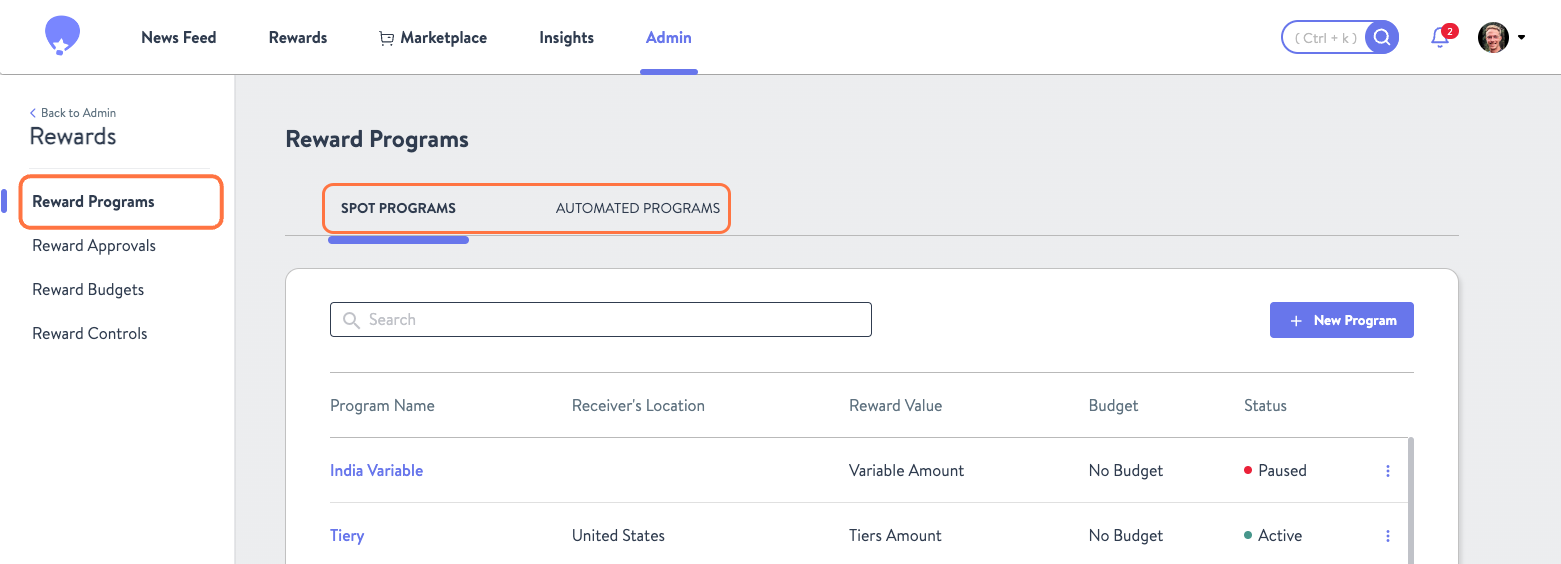
- You will be taken to the Reward Programs page.
- Select the program type you would like to view:
- Spot Rewards
- Automated Rewards
Edit a Reward Program
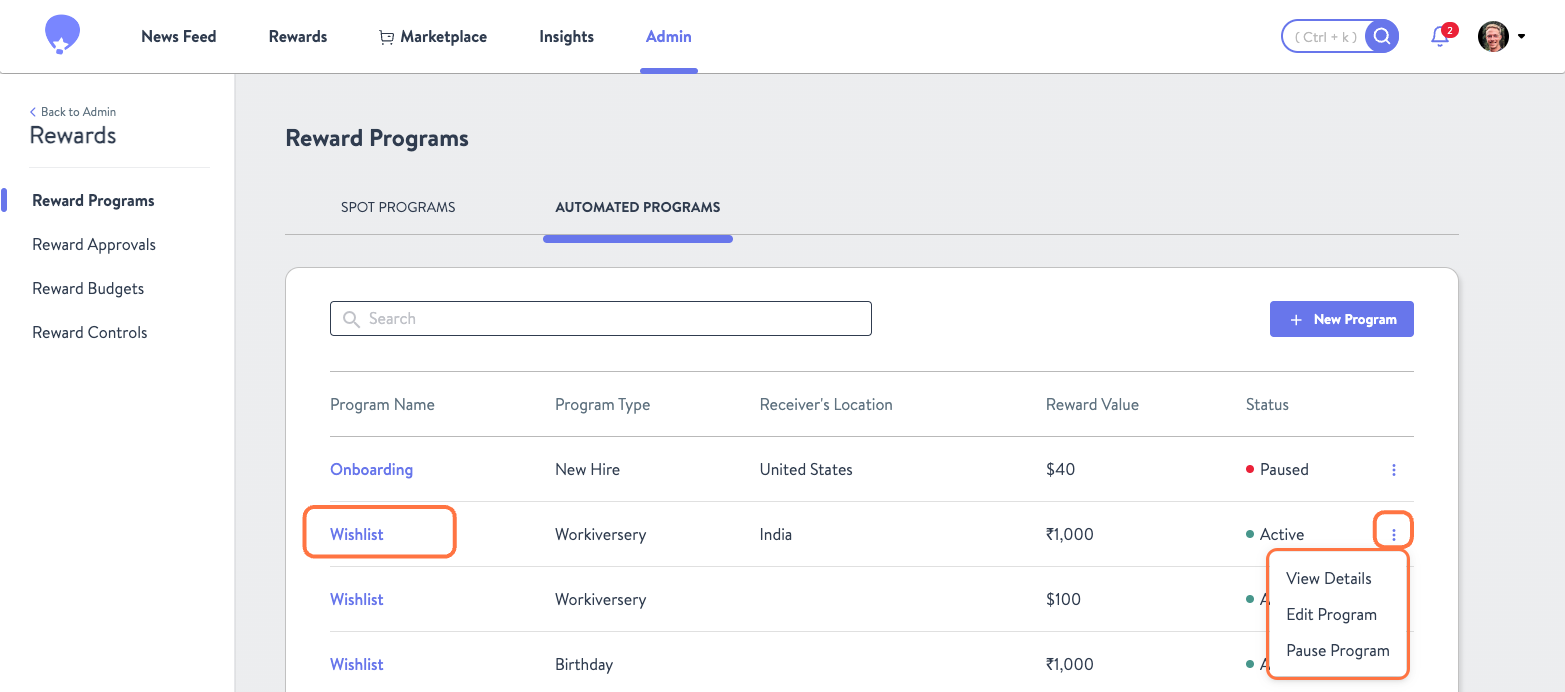
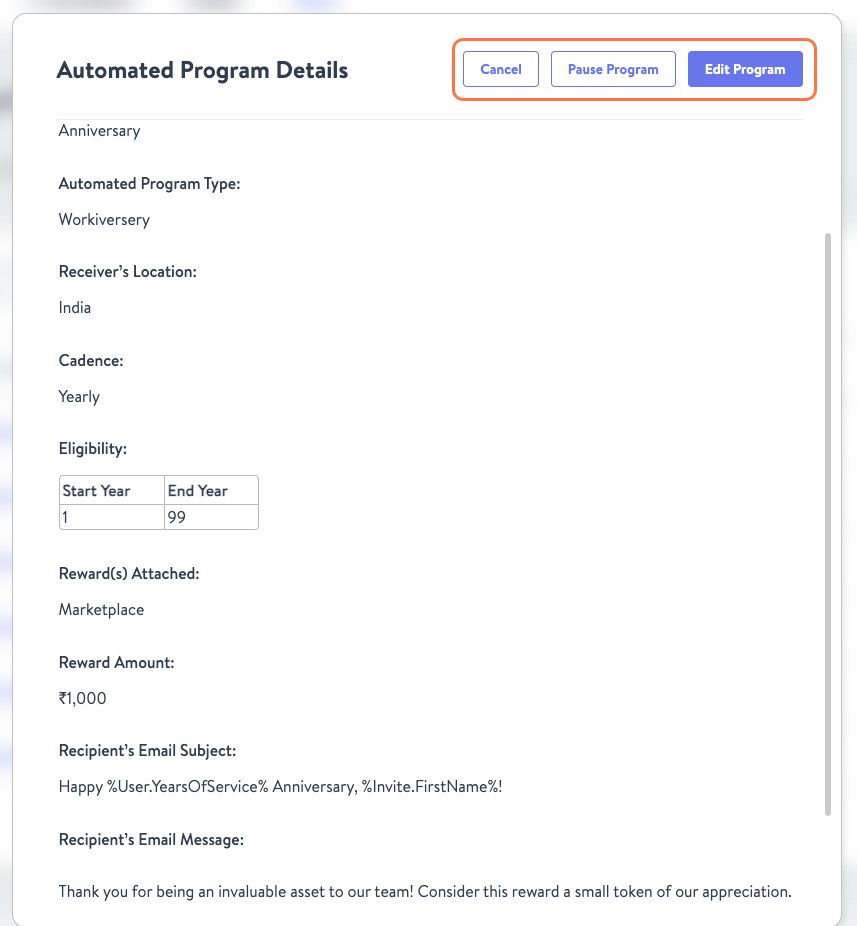
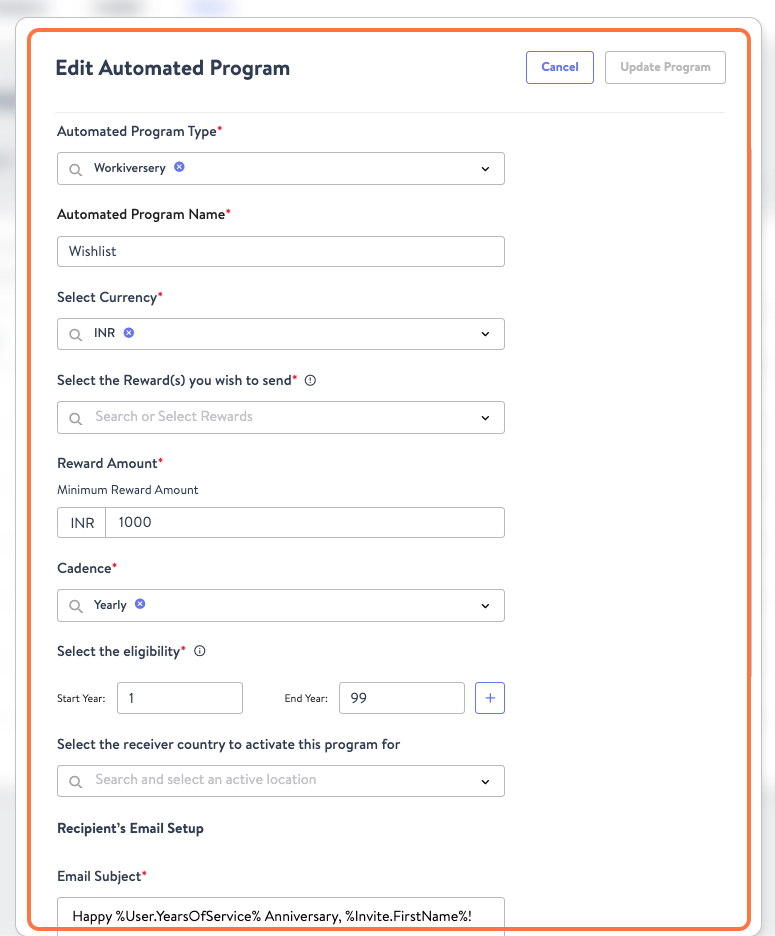
- Open the program by selecting Edit Program from the Kebab Menu or from the program details page.
- Make the necessary updates to the program settings.
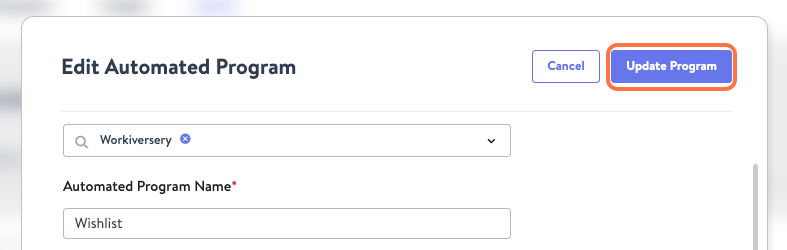
- Click Update Program to save your changes.
Pause or Activate a Program
Programs can be temporarily disabled or reactivated as needed.
- Open the Kebab Menu (⋮) next to the desired program.
- Select:
- Pause Program to stop the program temporarily.
- Activate Program to resume a previously paused program.
Changes take effect once the program has been updated or its status has been changed.
Was this article helpful?
That’s Great!
Thank you for your feedback
Sorry! We couldn't be helpful
Thank you for your feedback
Feedback sent
We appreciate your effort and will try to fix the article