Generally, when a reward is sent there is default messaging that accompanies it. This might be unique to your company or be the default Wishlist messaging (Congrats! [Company Name] sent you a reward!). Regardless, as a Program Admin, you can customize messaging for any upcoming rewards. To do this follow the steps below:
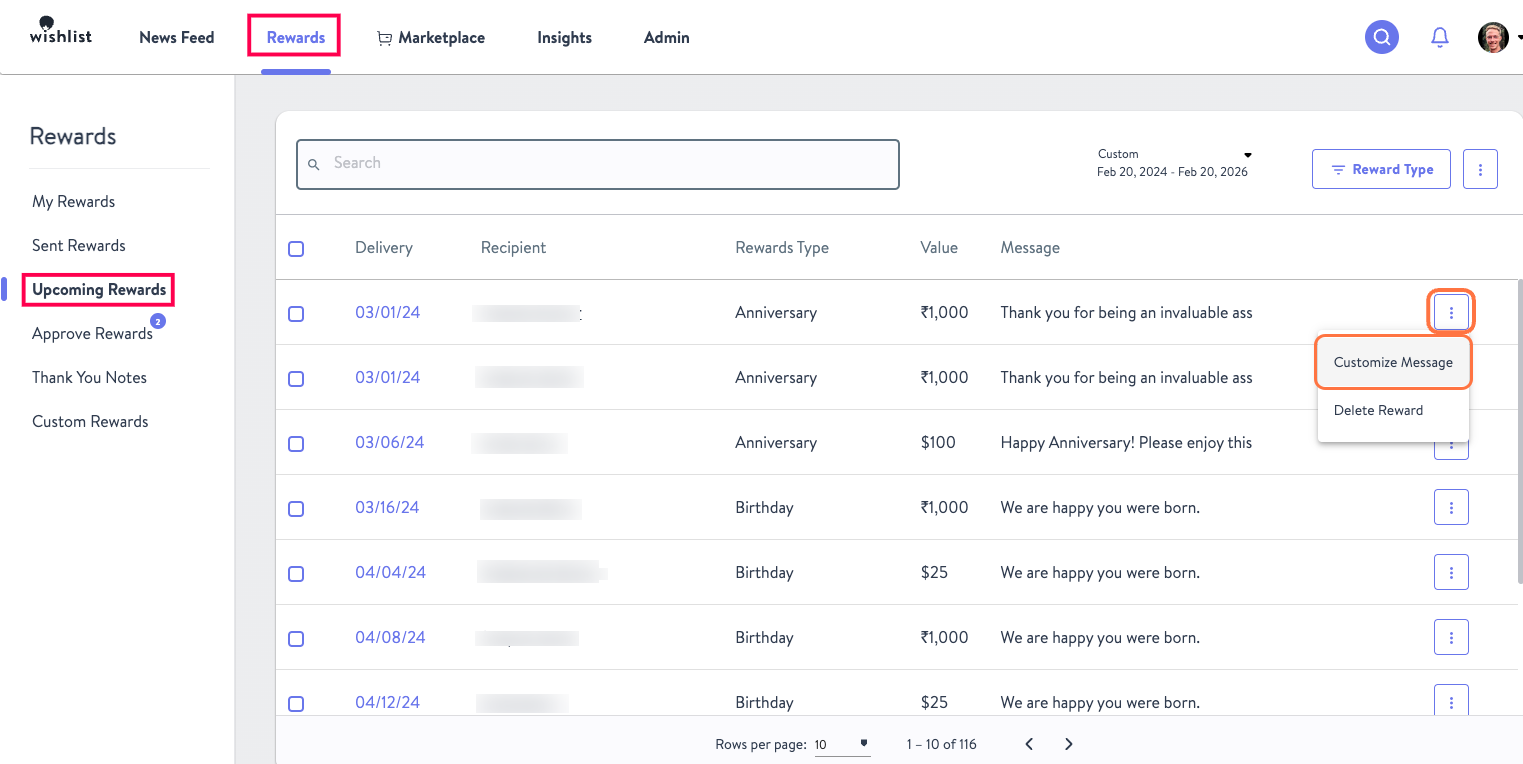
- From the Rewards tab click on Upcoming Rewards
- For any Upcoming reward you can click on the Kebab Menu and select Customize Message
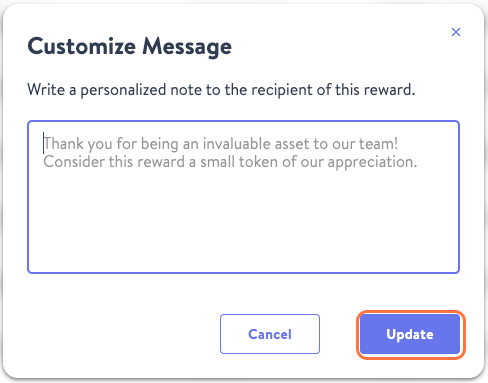
- Type in your custom message and click Update!
Was this article helpful?
That’s Great!
Thank you for your feedback
Sorry! We couldn't be helpful
Thank you for your feedback
Feedback sent
We appreciate your effort and will try to fix the article